1 Installation Steps
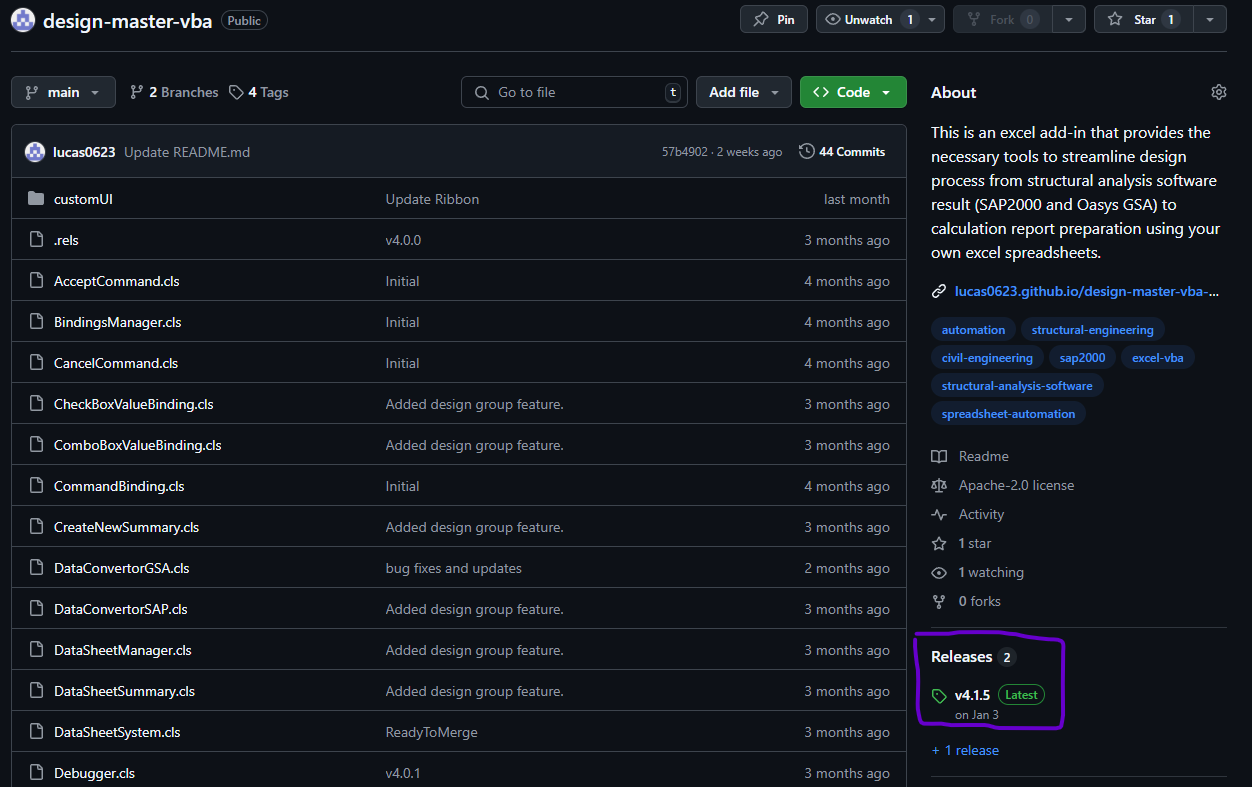
- Go to the Github homepage of the add-in. Click the Releases button of the right hand side of the page.
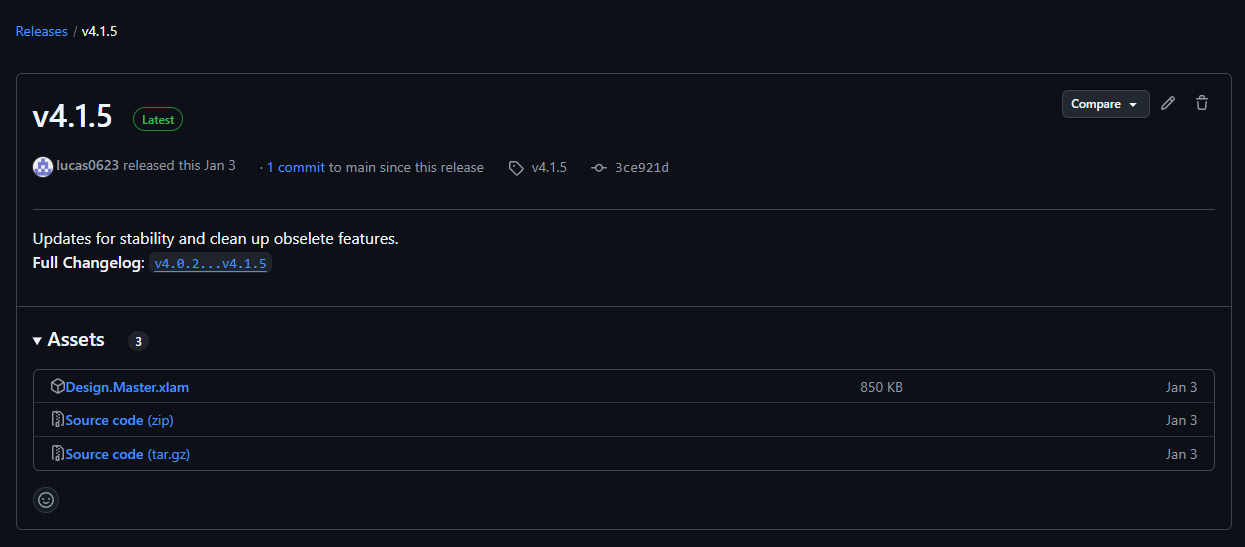
- Download the .xlam file.
- Open Excel, go to
File>Option>Add-ins, and clickgoin the Manage option.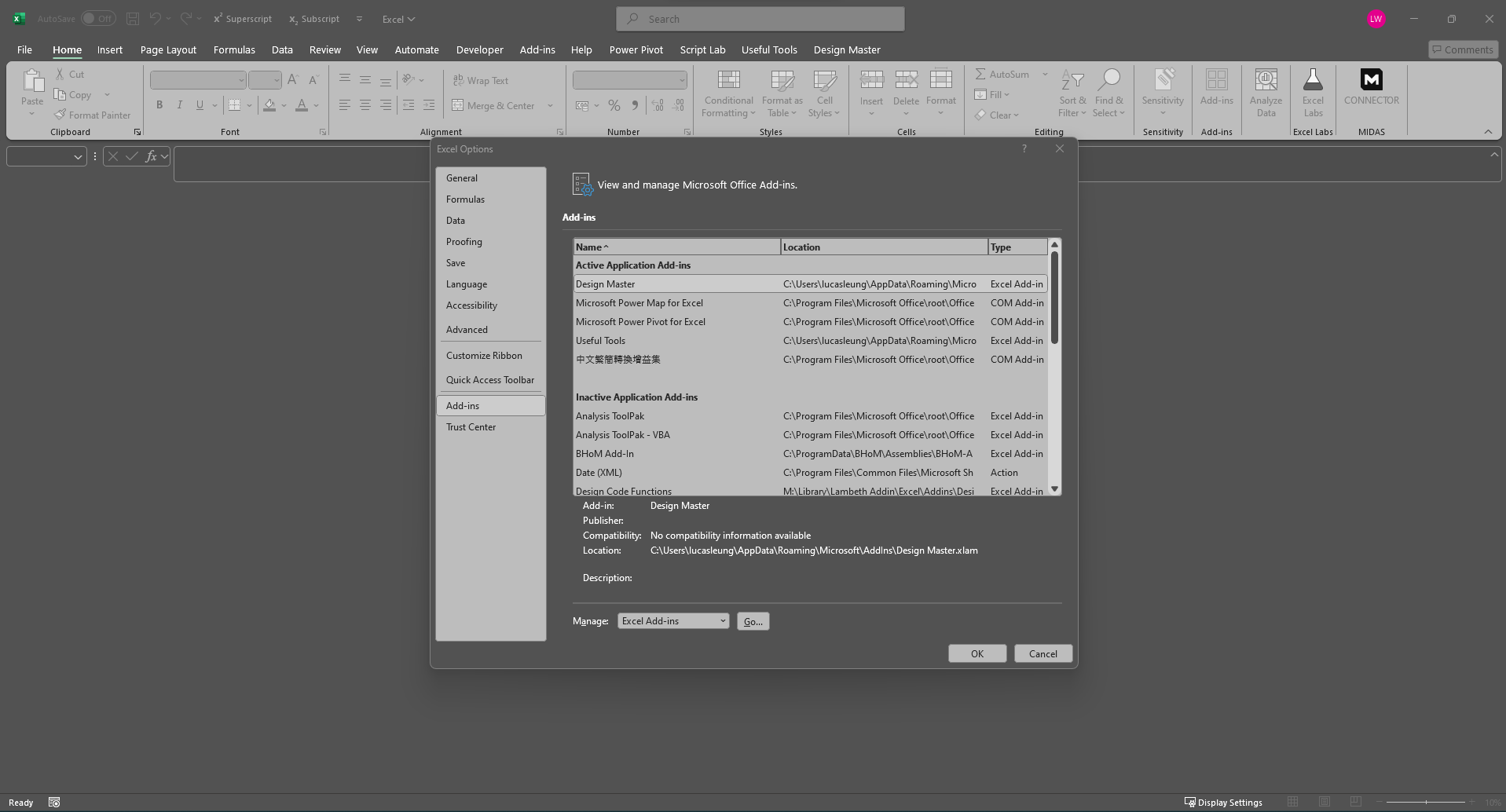
- Click
Browseand select the .xlam file downloaded. - A new ribbon tab named
Design mastertab should appear at the workbook.
2 FAQ
Question: An error message ‘This file type is not supported in Protected View’ pop up when I load the add-in. How to resolve it?
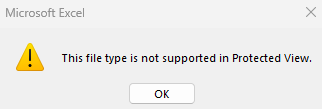 Answer: Try Unlock the File by the following steps:
- Locate the .xlam file in Windows Explorer.
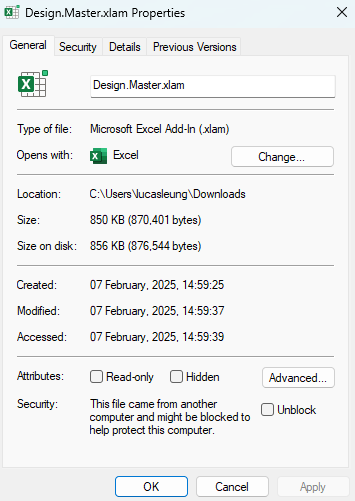
- Right-click the file and select “Properties.”
- If you see an “Unblock” checkbox under the “General” tab, check it and then click “OK.”